 Dicta
DictaYou speak 3x faster than you type, and your prompts get way more detailed.
Stop typing. Start talking.
Press ⌥ Space, talk, and your exact words appear at your cursor.
On-device. No cloud, no rewrites.
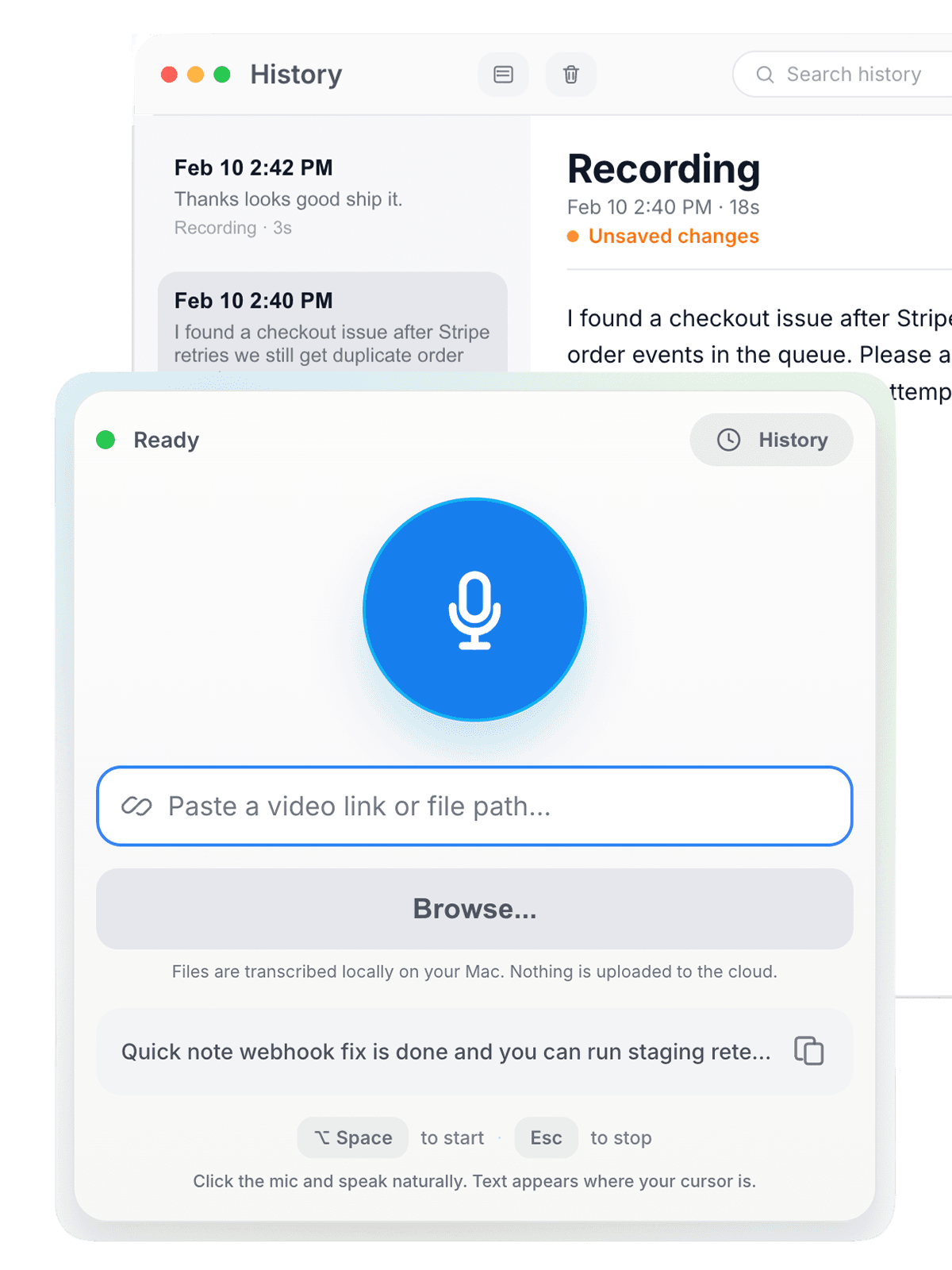
Interactive Dicta shell: start recording, stop recording, cursor overlay follows pointer, then dictated text is pasted into the main Dicta window.
Ready
Paste a video link or file path...
Files are transcribed locally on your Mac. Nothing is uploaded to the cloud.
Quick note webhook fix is done and you can run staging retest now.
⌥ Spaceto start·Escto stop
Click the mic and speak naturally. Text appears where your cursor is.


Dictation has completely changed how I work. The productivity gain is real.

Typing speed is an underappreciated limiting factor in productivity.

The typing tax
You have an idea. It's clear in your head. You start typing — and half of it evaporates. The message comes out shorter, flatter, less you than what you meant to say.
With Dicta, you just talk. And your exact words appear where your cursor is.
How it works
⌥ Space
1Press ⌥ Space
Start recording from anywhere on your Mac.
Talk
Say what you're thinking. As long as you need.
Press Esc
Text appears at your cursor. Exactly what you said.
What people dictate
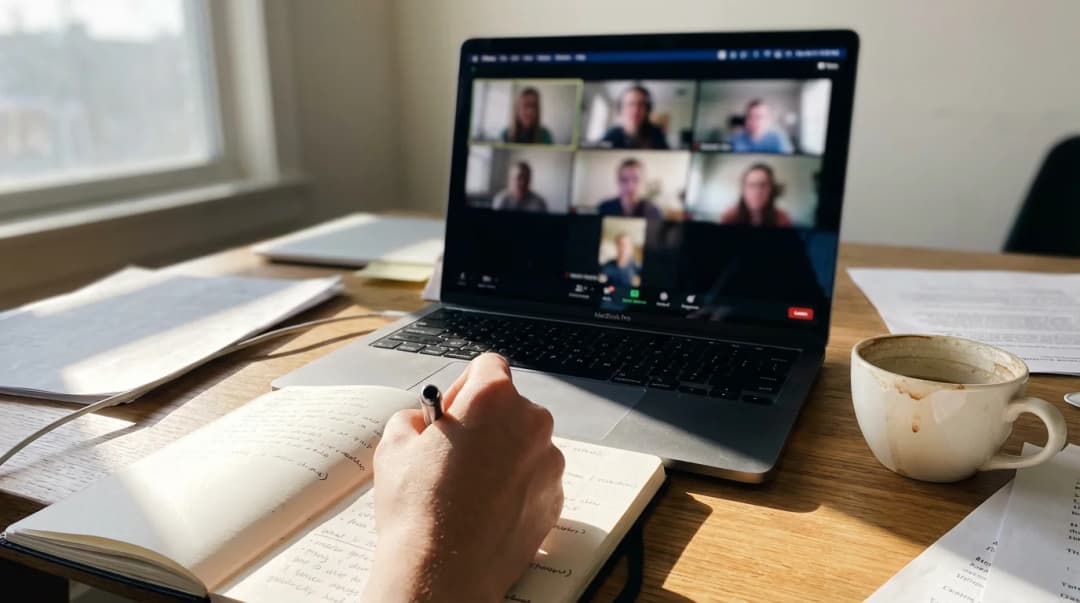
Notes and ideas
Capture thoughts before they fade. Meeting notes, brainstorms, journal entries.
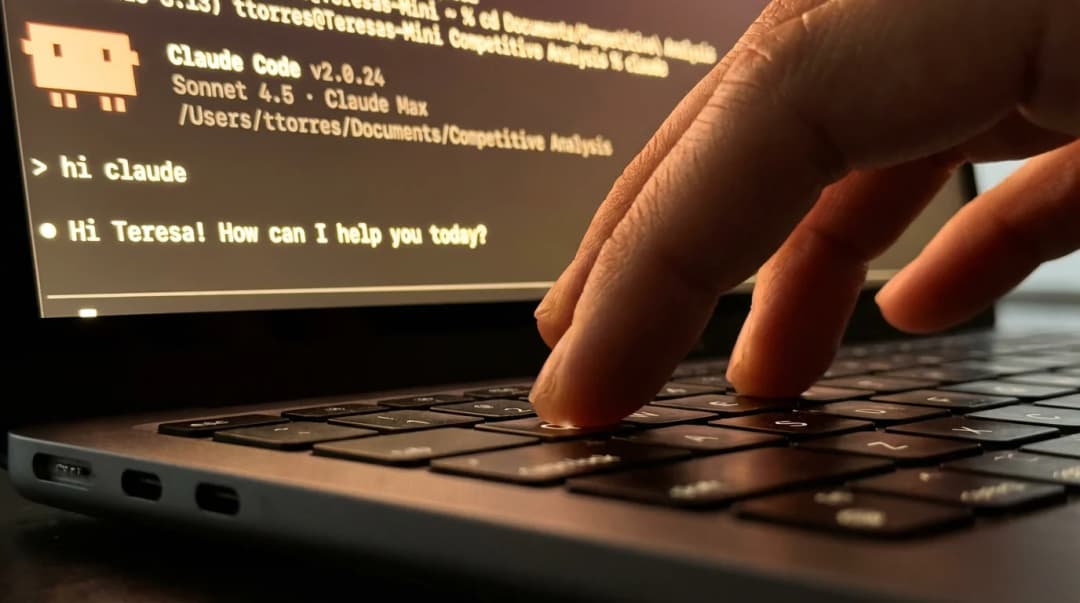
AI prompts
Give Cursor, Claude, or ChatGPT the full context. Speaking is 3x faster than typing — and your prompts get way more detailed.
Emails and messages
Talk through what you want to say. Send it in half the time.
Documentation
Bug reports, specs, handoff notes. Full detail without the effort of writing it all out.
Simple pricing
$5.90/month or $29.00/year
Start with 7 days free. Cancel anytime.
Download freeEvery plan includes all features. Audio stays on your Mac.


By using Dicta, you agree to our Terms, Privacy Policy, and Cookie Policy. Recurring plans auto-renew until canceled.

Made by Piotr Romanski — frustrated by typing slower than he thinks.
Questions before you start
Where does the text appear?
Wherever your cursor is. Record in one app, switch to another, press Esc — text pastes into the active text field.
Is it really private?
Yes. Audio never leaves your Mac. No servers, no analytics, no tracking. Works in airplane mode.
Why is there a one-time ~3 GB download?
The app itself is small. Dicta downloads the speech model once so transcription can run locally on your Mac. That keeps your audio on-device and allows offline use.
What Mac do I need?
macOS 14 or later. Best on Mac with Apple silicon. Mac computers with Intel processors are supported but slower.
Does it change what I said?
No. You get your exact words. No AI rewrites, no auto-correction.
Can I try before paying?
Yes. 7 days free, no credit card. Then $5.90/month or $29/year.